A remove.bg alternative that does not upload the photo
Use nobg when the file must stay on the device and you want unlimited full-resolution PNG. Use remove.bg when you need their API, desktop batch, or hair quality you have already measured.
or drag & drop anywhere
Paste from clipboard withCtrl+V
When nobg is the better pick - and when it is not
remove.bg is the category default: cloud inference, preview-size free downloads, HD sold as credits (often about $0.13–$0.23 per image on public plans). nobg is $0, on-device, and uncapped on resolution. It does not offer an API, Photoshop plugin, or server-side batch. Measure both on your hardest hair and glass shots.
Privacy vs convenience
remove.bg must receive the file. nobg cannot send it. If that is a hard requirement, the architecture decides the tool.
Cost at volume
A few hero shots on credits is cheap. A catalog of hundreds adds up. nobg’s cost is electricity on this machine, not a line item.
Quality is not a slogan
Cloud models can still win on wispy hair. nobg includes erase/restore and Rubylith so you can finish the matte yourself. Compare on your own photos.
Try the same photo in nobg
Use a file you would have uploaded to remove.bg.
Open the original
Same JPEG or HEIC you would send to the cloud tool.
Check hair, holes, glass
Toggle silhouette and Rubylith. Punch lace and mesh. Restore any over-cut.
Download or go back to credits
If the matte is good enough, save PNG. If you need their API tomorrow, that is a fair reason to stay on remove.bg.
Inspect cutout edges
Slide the divider to compare the original photo with the cutout.
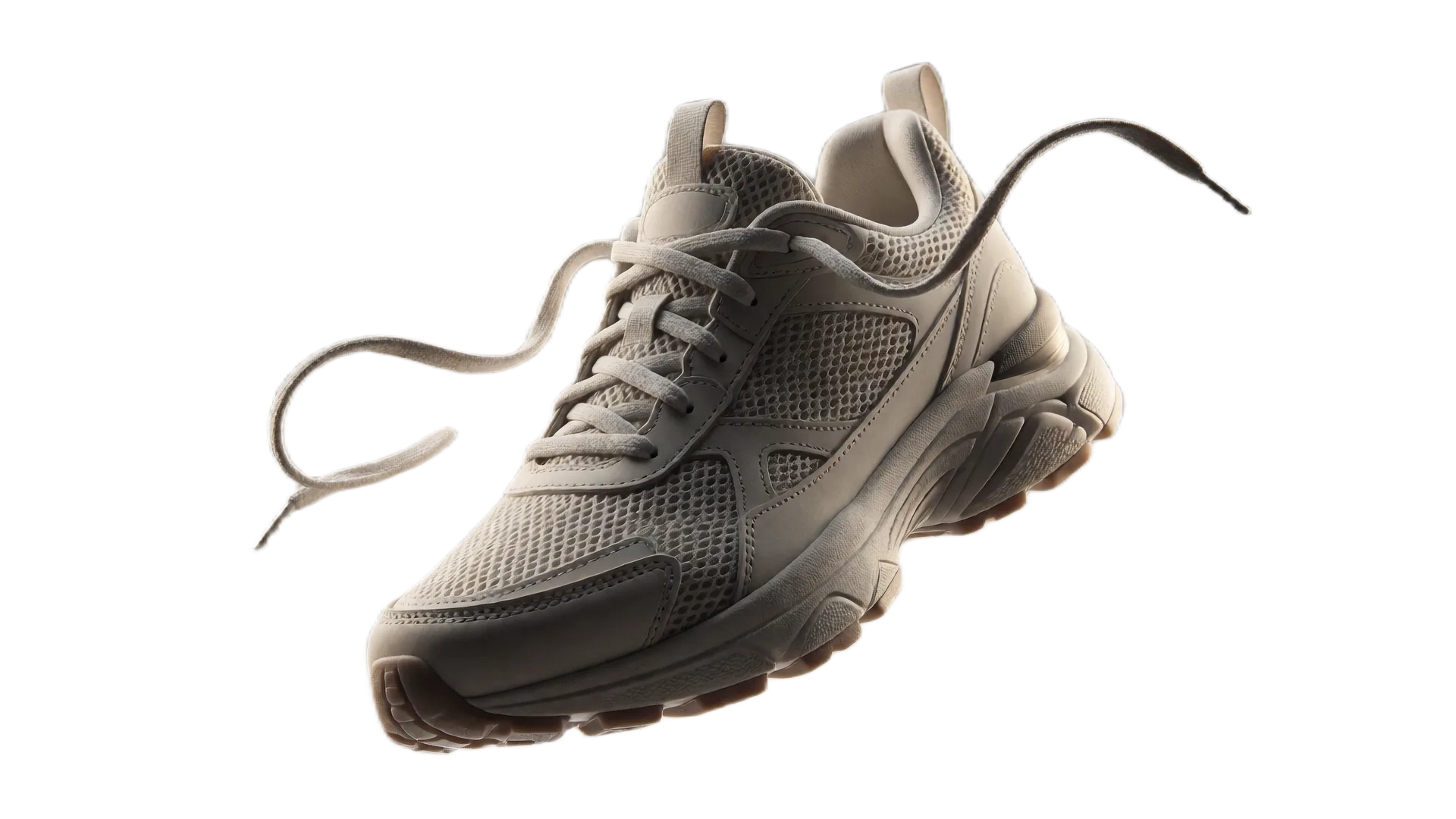
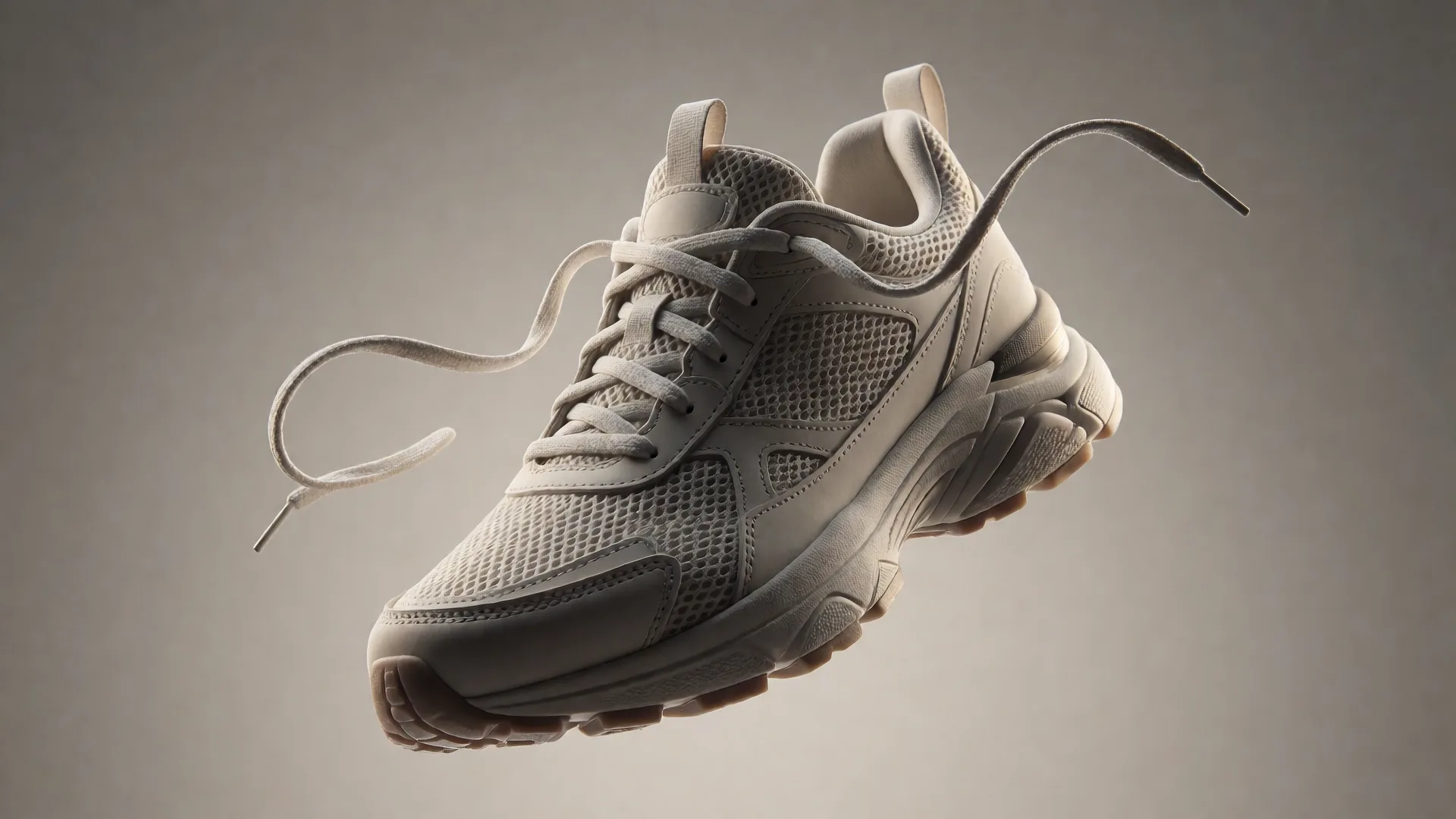
Drag or use left/right arrow keys to inspect edge quality
nobg vs remove.bg, Canva, and Adobe Express
A fair look at privacy, free export resolution, and whether you need an account. Cloud tools can still be the right choice if you want their editors or APIs.
| Feature | nobg | remove.bg | Canva | Adobe Express |
|---|---|---|---|---|
| Where the photo is processed | This browser tab only | Uploaded to remove.bg cloud | Uploaded to Canva cloud | Uploaded to Adobe cloud |
| Free export resolution | Original pixels, no cap | Preview ~0.25 MP | Pro plan | Full-res on free plan |
| Price for HD cutouts | $0, unlimited | Credits, ~$0.13–$0.23/image | Canva Pro, ~$13–15/mo | Free with account; AI credits may apply |
| Account required | No | Yes for credits | Yes | Yes |
| Works offline | Yes, after the model caches | No | No | No |
| Erase / restore brushes | Included | Limited / paid | In the Canva editor | In the Express editor |
Competitor details as of September 2026 from public plans: remove.bg free downloads are preview-resolution (~0.25 MP) with HD credits commonly about $0.13–$0.23 per image (for example ~$9 for 40 credits/month); Canva’s background remover is a Pro feature (about $13–15/month); Adobe Express can export full resolution on a free plan but requires an Adobe account and uploads the file. Plans change - check each vendor.
Choose nobg when the photo must stay on the device and you need unlimited full-resolution PNGs with no account. Choose a cloud suite when you already pay for Canva or Adobe and want their templates, APIs, or collaboration tools.
Frequently asked questions
Is nobg a drop-in replace.bg API?▼
No. There is no HTTP remove endpoint. Integrations that call remove.bg should keep calling it.
Do I get HD without credits?▼
Yes. The PNG is source resolution. That is the main free-tier gap versus remove.bg.
Plans change - did you check?▼
Competitor notes on this site are from public plans as of September 2026. Check remove.bg’s current pricing before you budget.
Can I use both?▼
Yes. Many people keep remove.bg for a handful of hero portraits and use nobg for everything that must not leave the laptop.