Remove the background from pet photos without losing fur
Isolate dogs, cats, and fine fur directly in this tab. No photo uploads, no credit packs, and full-resolution PNG exports.
or drag & drop anywhere
Paste from clipboard withCtrl+V
Why pet fur is the hardest matte in photography
Animal fur, whiskers, and fuzzy ears blend soft alpha edges into carpets and grass. Hard selections make pets look like plastic cutouts. nobg runs BiRefNet-Lite in local memory to extract fine fur strands, then gives you erase/restore brushes to perfect whisker edges.
Fine fur strands and whiskers
Soft boundaries need 8-bit alpha transitions, not a jagged 1-bit cookie cutter. Use Rubylith mode (key M) to spot leftover green grass in fur fringes.
Family pet photos stay private
Your pet and home photos are processed in this browser tab. Zero images are transmitted to external servers or saved on cloud GPU queues.
Full-resolution prints and gifts
Export original camera resolution for custom pet mugs, custom stickers, phone cases, and memorial portraits without paying for HD credits.
From couch snapshot to transparent pet cutout
Three simple steps on this device. No account required.
Open your pet photo
Drop a JPEG, PNG, or iPhone HEIC from your camera roll. High contrast between fur and background yields the cleanest matte.
Check fur and whiskers
Use silhouette view to check ear fringes and paws. Restore any thin whiskers or tail tips the model under-segmented.
Download transparent PNG
Keep transparent alpha for merchandise designs, or stage a soft studio backdrop right in the browser canvas.
Inspect cutout edges
Slide the divider to compare the original photo with the cutout.
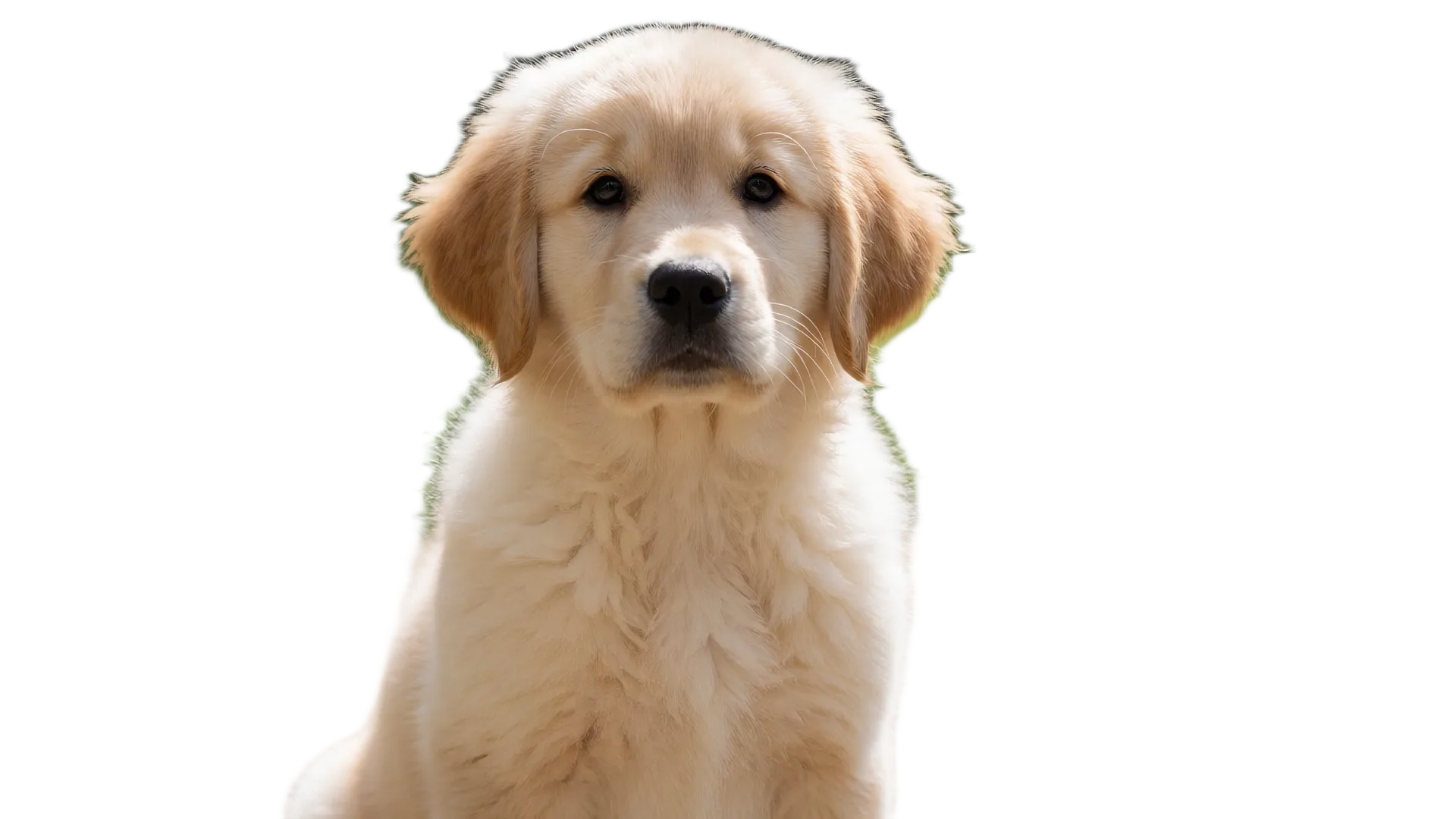
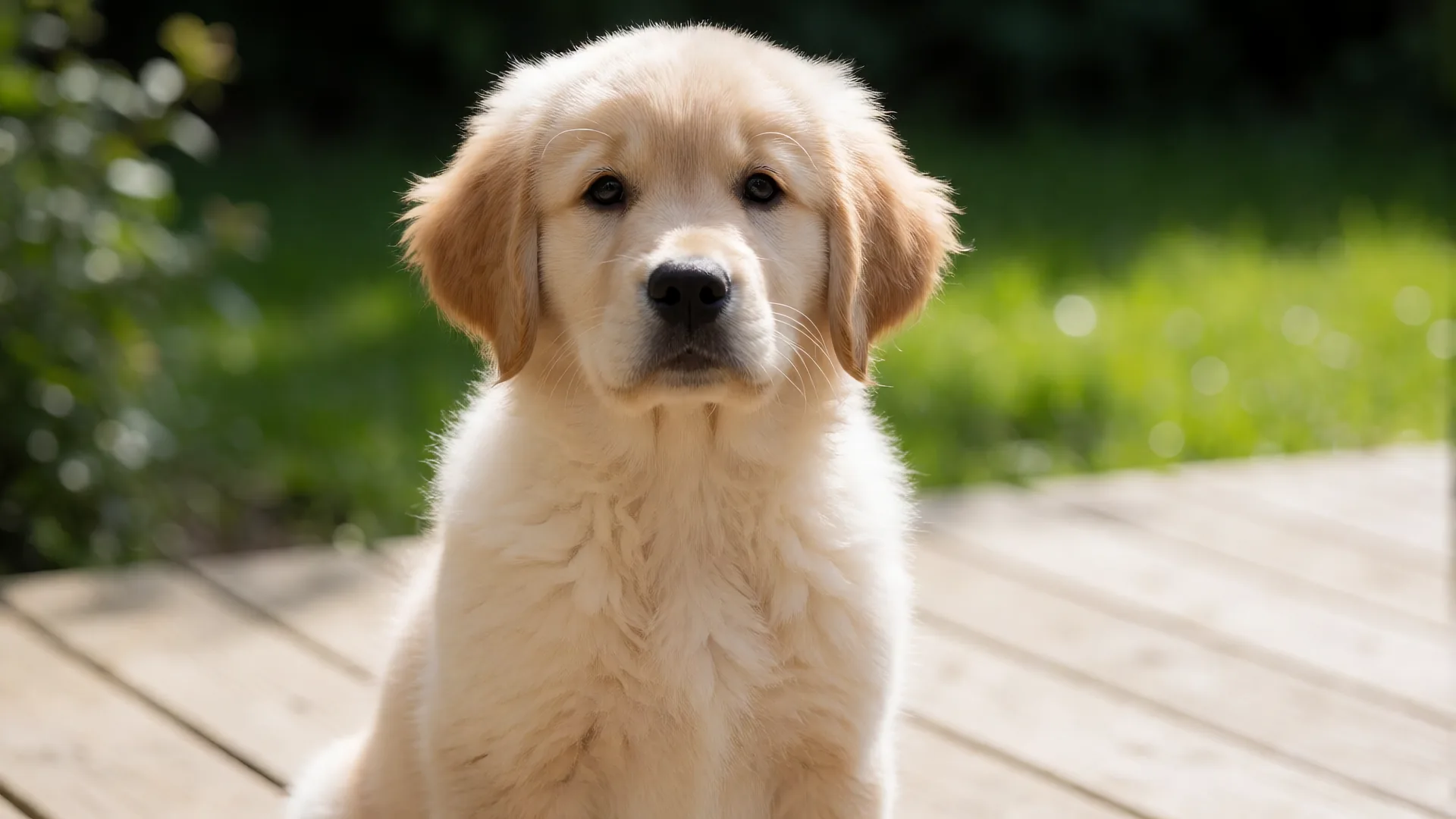
Drag or use left/right arrow keys to inspect edge quality
Frequently asked questions
Does this preserve delicate whiskers and fuzzy ears?▼
The neural matte captures most fur contours. For faint white whiskers against light backgrounds, use the restore brush in studio to paint them back in.
Can I cut out black dogs or dark cats on dark rugs?▼
Low contrast is tough for any vision model. If the paws blend into a dark rug, zoom in and use the restore and erase brushes to hand-tune the separation.
Are my pet photos stored or used for AI training?▼
Never. All processing is on-device via WebGPU or WebAssembly. Closing the browser tab destroys all memory buffers immediately.
Can I put my pet on a colorful studio background?▼
Yes. Once isolated, use the studio backdrop controls to stage solid colors, gradient backdrops, or custom scenic images before exporting.
Cut your pet photo locally
Keep delicate fur. Export full-resolution PNG with zero cloud uploads.