A Canva background remover alternative that stays free
Canva’s BG Remover is a Pro feature. nobg cuts the same photo on this device and gives you a full-resolution PNG. Use Canva afterward if you still need templates.
or drag & drop anywhere
Paste from clipboard withCtrl+V
Canva for design, nobg for the cut
Canva Pro bundles background removal with the editor you may already pay for (about $13–15/month on public plans). If you only need a cutout, that subscription is the wrong meter. nobg does the isolation locally at $0. It will not replace Brand Kit, Magic Studio, or team folders. Export PNG, then drop it into a free Canva design if you want.
No Pro gate on the PNG
Canva’s free path is limited. nobg’s download is the product: original size, no watermark, no account.
Adobe Express is in the same bucket
Express can export full-res on a free plan but still wants an Adobe account and an upload. nobg wants neither.
Fair split
Layouts, social templates, and Magic Write stay in Canva. Isolation of a private photo stays here.
Cut here, layout there
Two tabs. One PNG in the middle.
Drop the photo on nobg
Local cut. Refine hair or product holes.
Save transparent PNG
Full resolution. Checkerboard is only a preview.
Optional: place in Canva
Upload the PNG into a free Canva file for type and templates. You already have the hard part.
Inspect cutout edges
Slide the divider to compare the original photo with the cutout.
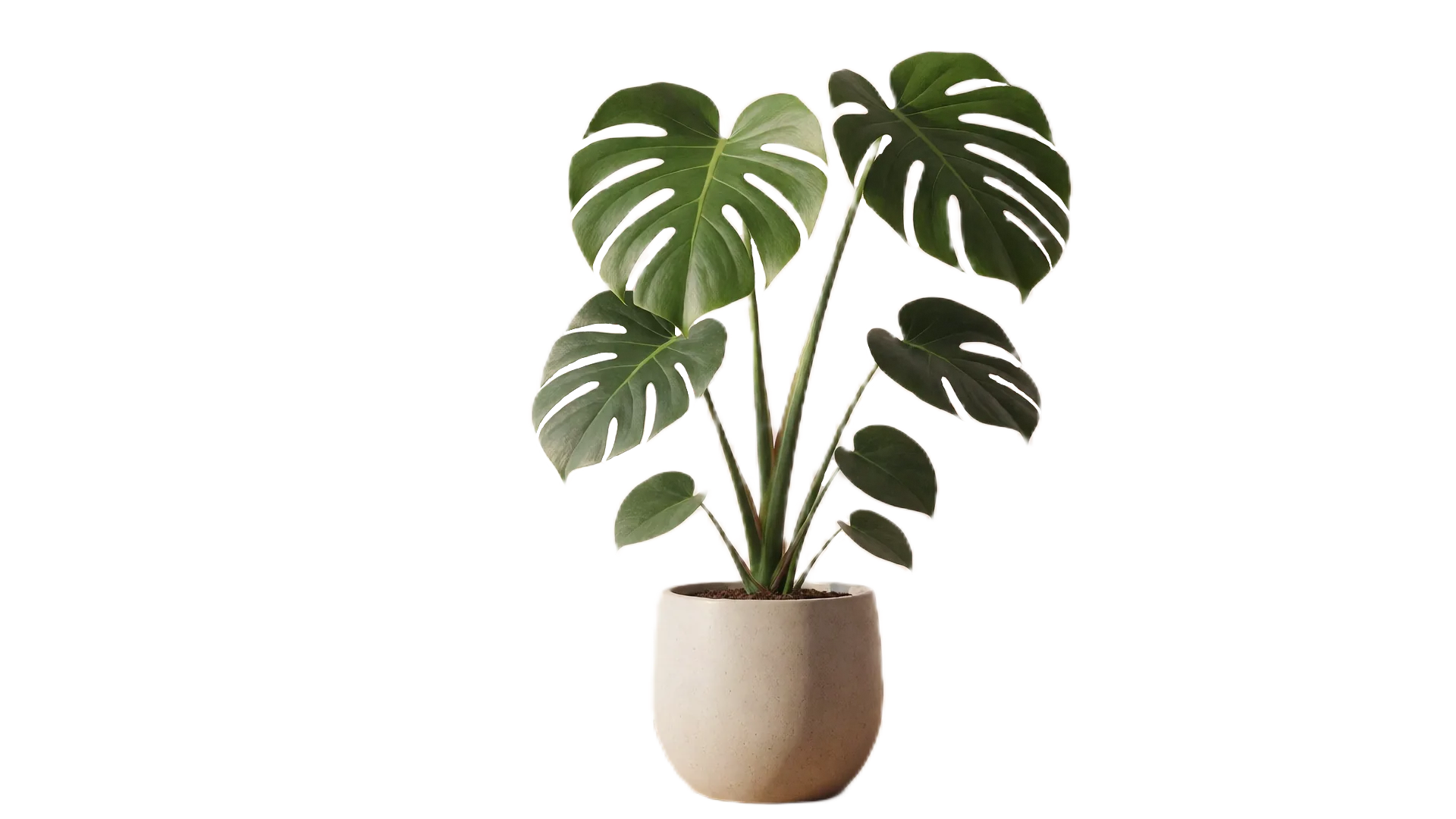
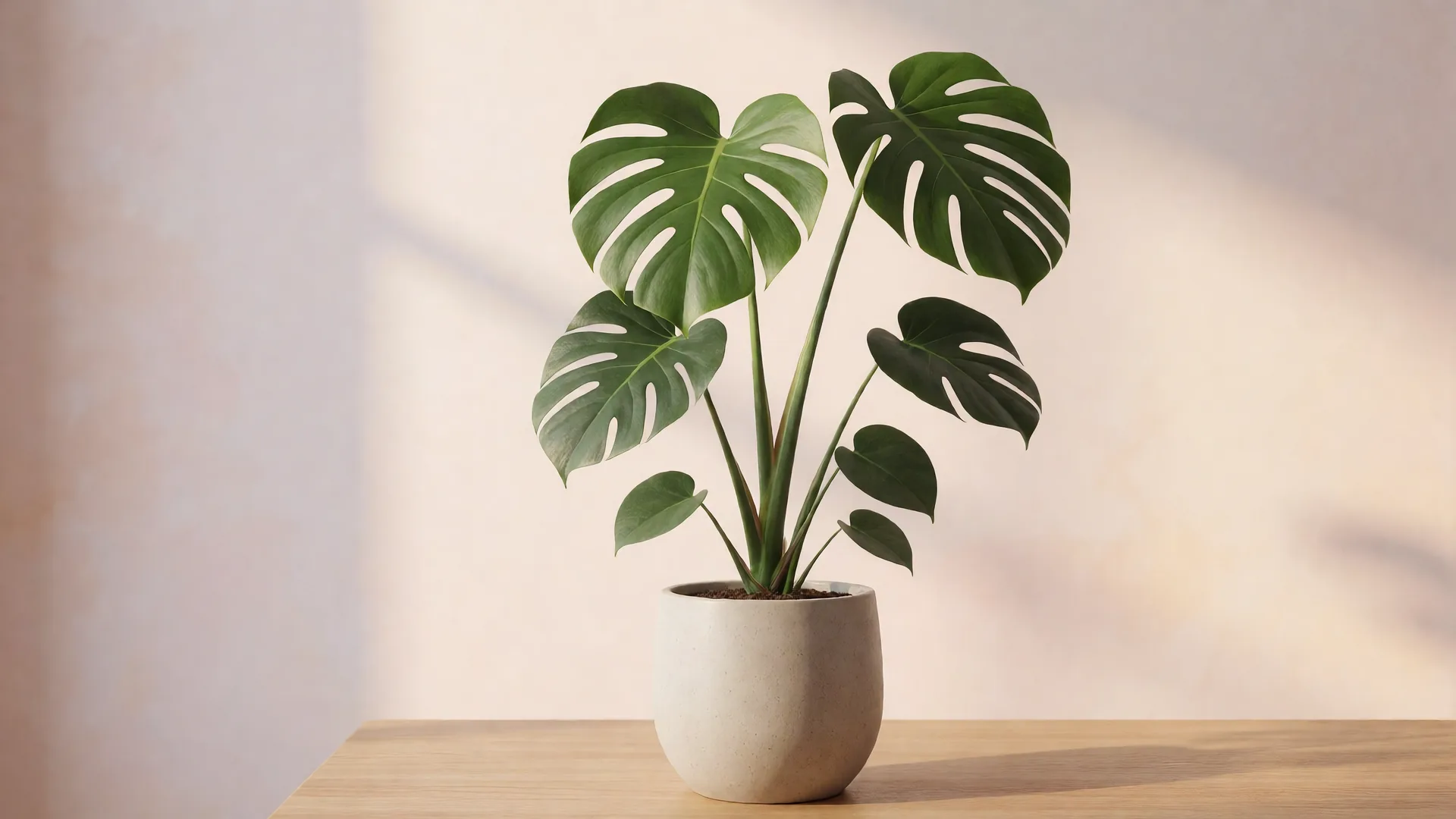
Drag or use left/right arrow keys to inspect edge quality
nobg vs remove.bg, Canva, and Adobe Express
A fair look at privacy, free export resolution, and whether you need an account. Cloud tools can still be the right choice if you want their editors or APIs.
| Feature | nobg | remove.bg | Canva | Adobe Express |
|---|---|---|---|---|
| Where the photo is processed | This browser tab only | Uploaded to remove.bg cloud | Uploaded to Canva cloud | Uploaded to Adobe cloud |
| Free export resolution | Original pixels, no cap | Preview ~0.25 MP | Pro plan | Full-res on free plan |
| Price for HD cutouts | $0, unlimited | Credits, ~$0.13–$0.23/image | Canva Pro, ~$13–15/mo | Free with account; AI credits may apply |
| Account required | No | Yes for credits | Yes | Yes |
| Works offline | Yes, after the model caches | No | No | No |
| Erase / restore brushes | Included | Limited / paid | In the Canva editor | In the Express editor |
Competitor details as of September 2026 from public plans: remove.bg free downloads are preview-resolution (~0.25 MP) with HD credits commonly about $0.13–$0.23 per image (for example ~$9 for 40 credits/month); Canva’s background remover is a Pro feature (about $13–15/month); Adobe Express can export full resolution on a free plan but requires an Adobe account and uploads the file. Plans change - check each vendor.
Choose nobg when the photo must stay on the device and you need unlimited full-resolution PNGs with no account. Choose a cloud suite when you already pay for Canva or Adobe and want their templates, APIs, or collaboration tools.
Frequently asked questions
Does this unlock Canva Pro?▼
No. It replaces one Pro feature - background removal - with a local tool.
Can I skip Canva entirely?▼
If you only needed the cutout, yes. If you needed their templates, keep Canva and stop paying for the remover alone.
remove.bg vs Canva vs nobg?▼
remove.bg: best-known cloud cutter, HD credits. Canva: remover inside a design suite, Pro. nobg: on-device, free PNG. Pick from that table, not from a ranking adjective.
Team libraries?▼
nobg has no accounts, so no shared folder. Email the PNG.