Amazon product photos on a white background
Cut the product on this device, then fill #FFFFFF for the main listing image. nobg does not upload the SKU shot and does not shrink the free export.
or drag & drop anywhere
Paste from clipboard withCtrl+V
What Amazon actually wants
Amazon’s main image expects a pure white background (RGB 255, 255, 255 / #FFFFFF), the product filling most of the frame (about 85%), and no props, text, or watermarks. nobg gives you a transparent PNG at original size. In studio, pick a solid white backdrop so the corners read as true white - not a dusty gray from the room you shot in.
Off-white is the usual rejection
A “pretty white” wall is not #FFFFFF. After the cut, set the stage to white and check a corner with a color picker if a listing was suppressed before.
Keep resolution for zoom
Amazon wants the longest side at least 1000 px and works better at 1600 px or more. Preview-size free tools fail this even when the color is right.
Secondary images can stay lifestyle
Only the main image is strict. Use transparent PNG for infographics and lifestyle comps; keep this page for the hero plate.
From phone photo to listing plate
Shoot, cut locally, stage white, export.
Even light, whole product in frame
Avoid chopping handles. Glass and dark objects need contrast against the backdrop you shot on.
Remove the room
Drop the file here. Restore any hole in a handle or lace. Check soles and specular edges.
Solid #FFFFFF and download
In studio, choose a solid white background. Export PNG or flatten to JPEG in your listing tool if Amazon prefers JPEG.
Inspect cutout edges
Slide the divider to compare the original photo with the cutout.
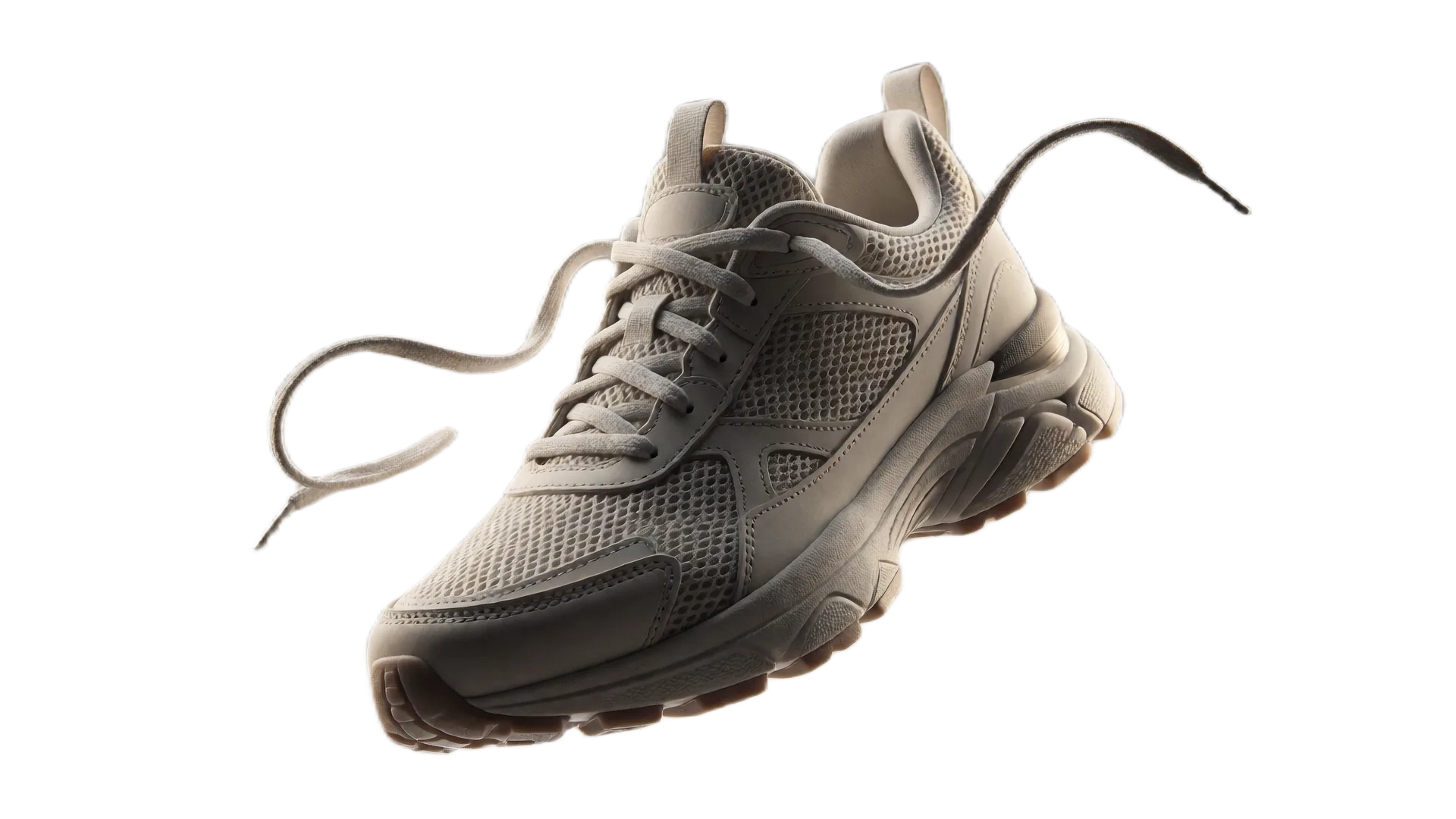
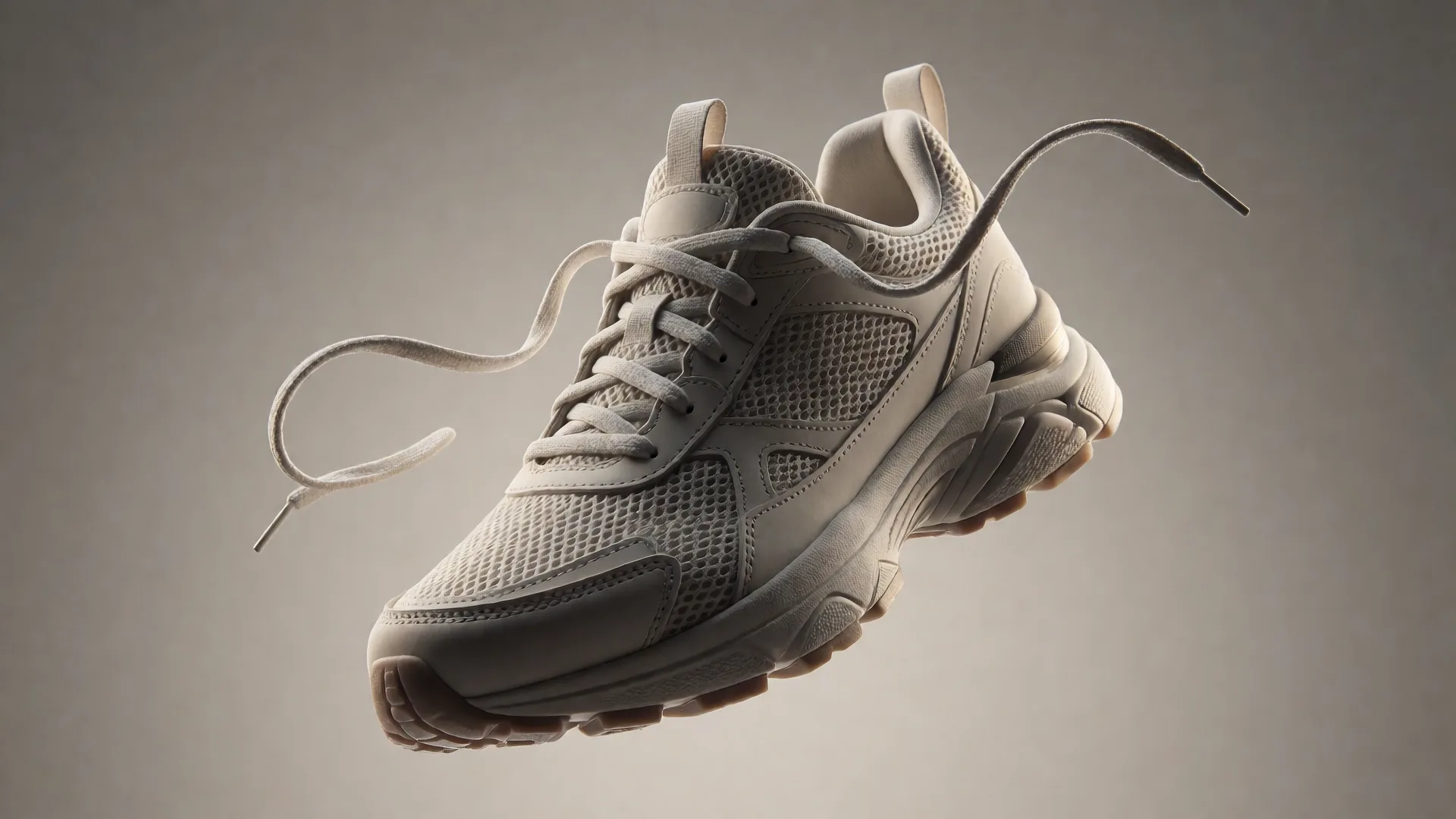
Drag or use left/right arrow keys to inspect edge quality
Frequently asked questions
Does nobg submit the listing to Amazon?▼
No. It only makes the image. You upload the file in Seller Central yourself.
Is a drop shadow allowed?▼
Amazon’s main-image rules are strict about extra elements. Prefer a clean product on white for the hero. Soft shadows belong on secondary shots unless you have checked the current help page.
What about Etsy or Shopify?▼
They are looser on color. The same cutout works; only Amazon needs guaranteed #FFFFFF on the main image.
Will this pass every ASIN?▼
No tool can promise that. Jewelry, apparel on-body, and some categories have extra rules. Read Amazon’s current image help for your product type.