Remove a background without losing the hair
Portraits fail when the matte turns hair into a helmet. Cut locally, then restore strands and check the fringe on a red overlay.
or drag & drop anywhere
Paste from clipboard withCtrl+V
Hair is an alpha problem, not a path problem
A hard selection cannot keep wisps. nobg predicts a soft alpha, then you paint restore on anything it ate and erase color spill. Rubylith (key M in studio) makes remaining background obvious. Cloud tools may still win on the hardest backlit frizz - compare on your own headshot.
Backlight is the trap
Haloed hair against a window will pick up sky in the fringe. Restore, then consider a slightly darker stage so the spill is less visible.
Do not sharpen the PNG to “fix” hair
Sharpening a bad matte makes the helmet worse. Fix the mask first.
Privacy for the face
Headshots for work, dating, or documents should not need to land on a third-party GPU. This path never uploads.
Portrait cut, then strand pass
The automatic matte is the start. The brush is the finish.
Run the model on the original
Use the camera file, not a 400 px crop. Hair needs pixels.
Silhouette, then Rubylith
Silhouette shows holes. Rubylith shows leftover backdrop in the fringe.
Restore wisps, erase spill
Small brush. Zoom. Work the crown and shoulders. Download PNG.
Inspect cutout edges
Slide the divider to compare the original photo with the cutout.
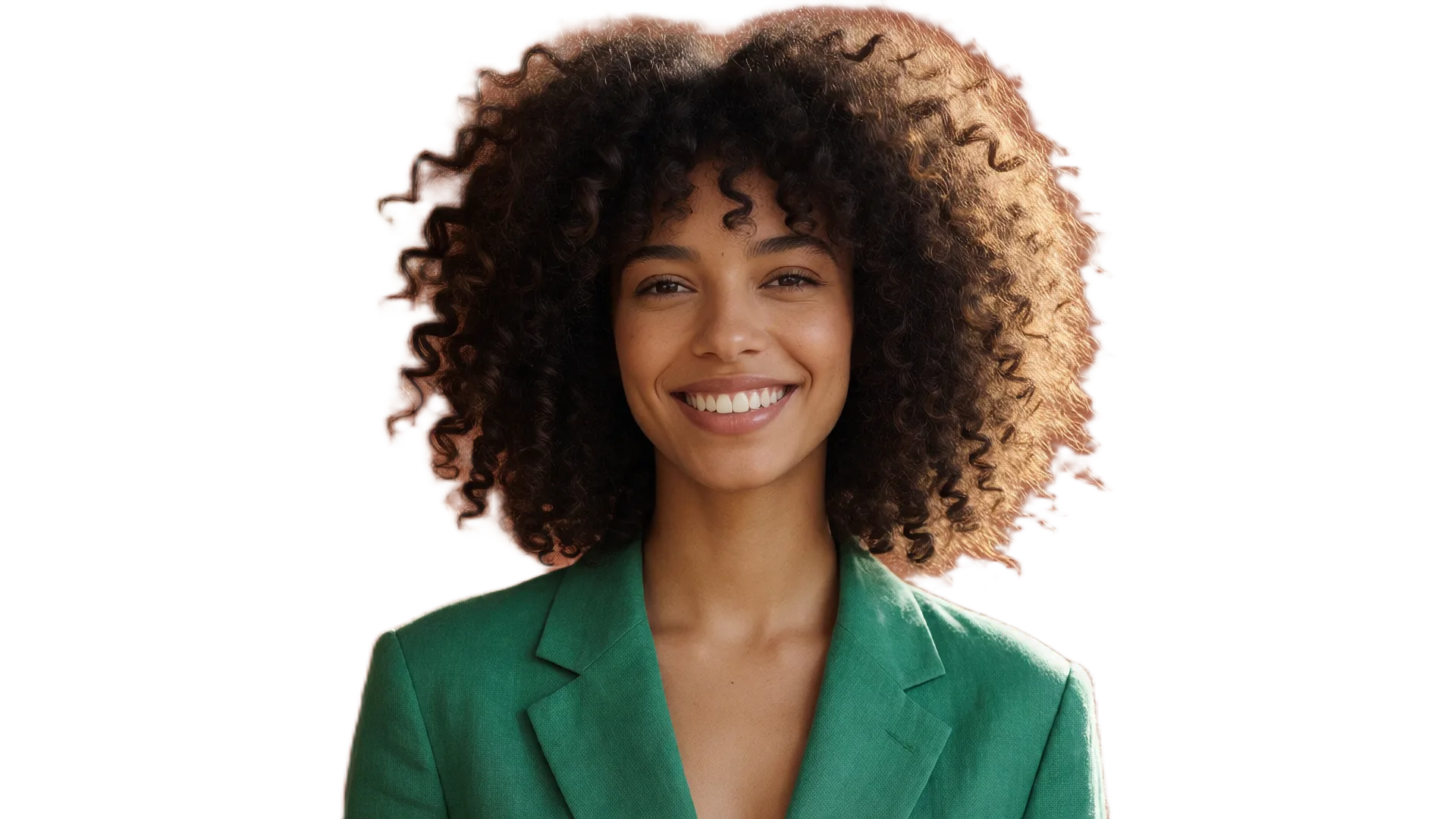
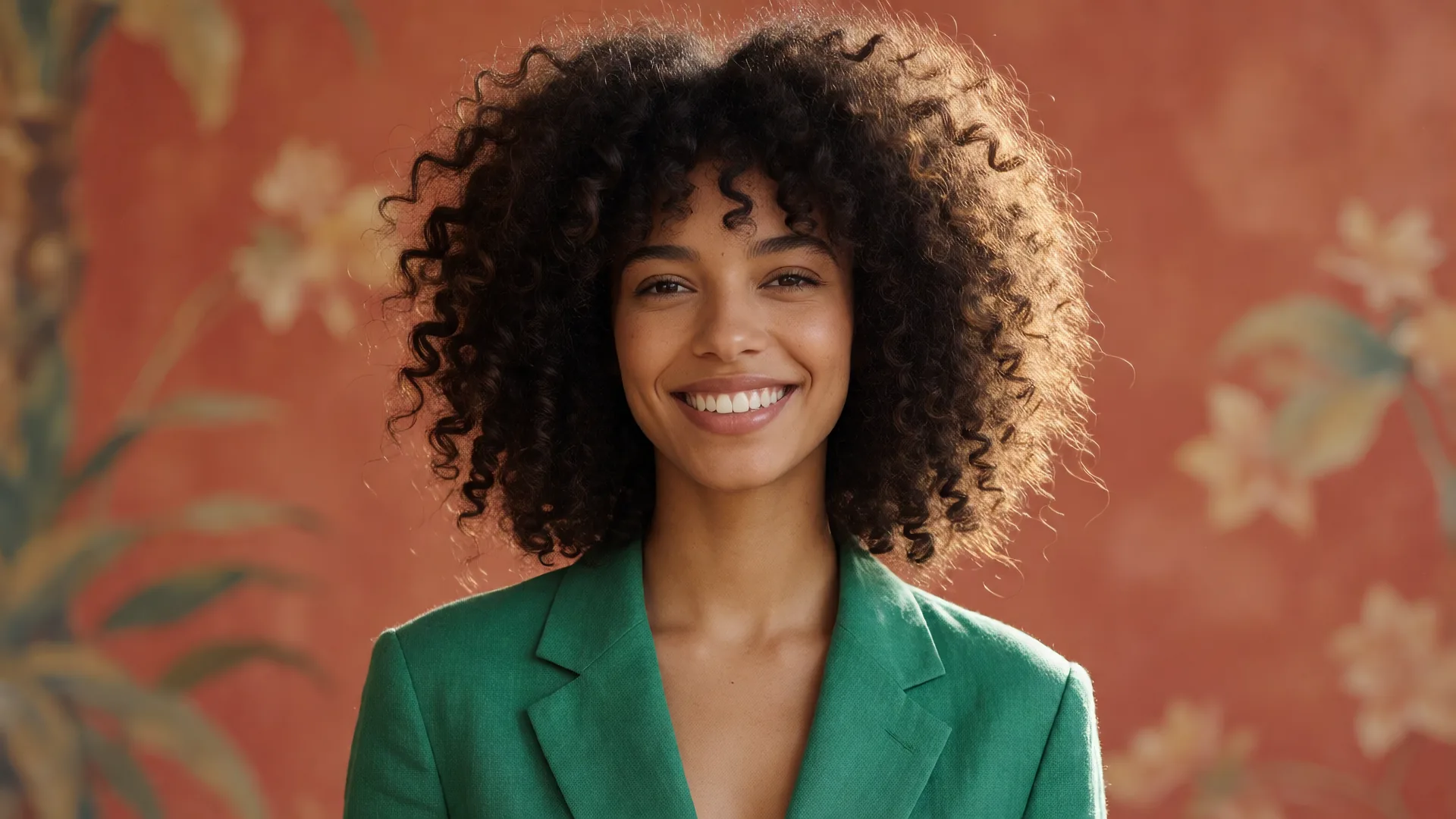
Drag or use left/right arrow keys to inspect edge quality
Frequently asked questions
Will every curl survive?▼
No model keeps every flyaway. The restore brush exists because of that. Budget a minute on important portraits.
Beards and flyaway fabric?▼
Same workflow. Fur is on the pet sample if you want to try that edge case.
Can I put the person on a new scene?▼
Stage a solid, a gradient, or a custom backdrop in studio. Generative scenes are not part of nobg.
Is this trained on my photo?▼
The photo never leaves the tab, so it cannot be used to train a remote model.