Free background remover with no signup
Open a photo, run the local model, download a transparent PNG. There is no account, trial, or credit pack.
or drag & drop anywhere
Paste from clipboard withCtrl+V
What “free” means here
nobg charges $0 and does not create an account. The export is the original pixel grid, not a 0.25 MP preview. There is no watermark. The limit is this device’s memory, not a quota. Cloud suites remain better if you need their templates or APIs.
The wall is not later in the flow
Some tools let you cut for free, then ask for email at download. nobg writes the PNG from the tab you already have open.
HD is not an upsell
remove.bg’s free downloads are preview resolution. Canva’s remover is a Pro feature. nobg’s free export is the full file.
Commercial use of your own photo
You keep the rights to the original and the cutout. Use it on listings, ads, and client work. nobg never receives the file, so it cannot claim a license.
Use it without creating an account
There is nothing to sign in to.
Drop a photo
JPEG, PNG, WebP, GIF, or HEIC. Paste from the clipboard if the file is already copied.
Wait for the local cut
First visit downloads the model once. Later cuts reuse the cache.
Download PNG
Optional brushes and backdrop, then save. Repeat for the next file in the studio queue.
Inspect cutout edges
Slide the divider to compare the original photo with the cutout.
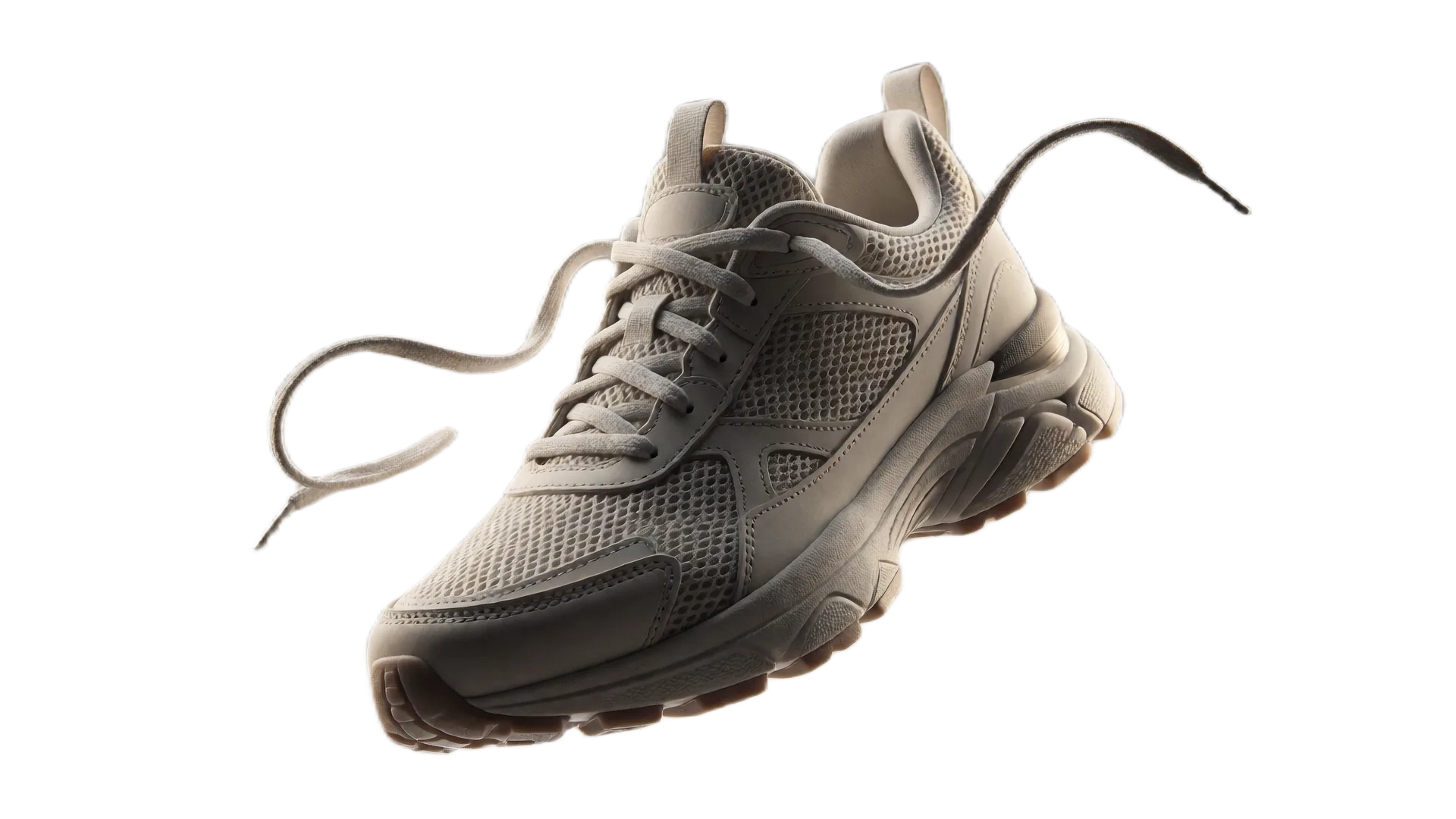
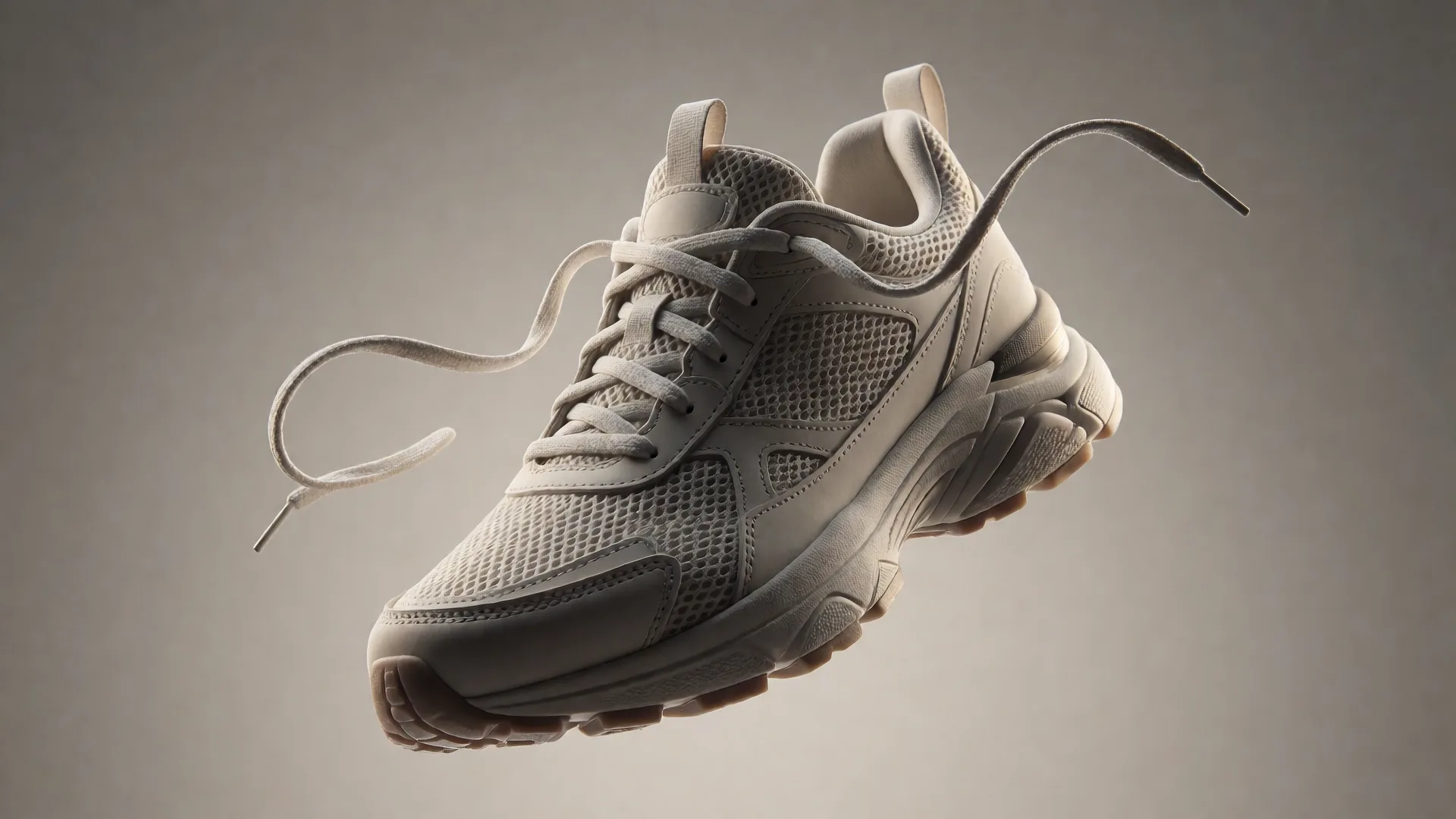
Drag or use left/right arrow keys to inspect edge quality
nobg vs remove.bg, Canva, and Adobe Express
A fair look at privacy, free export resolution, and whether you need an account. Cloud tools can still be the right choice if you want their editors or APIs.
| Feature | nobg | remove.bg | Canva | Adobe Express |
|---|---|---|---|---|
| Where the photo is processed | This browser tab only | Uploaded to remove.bg cloud | Uploaded to Canva cloud | Uploaded to Adobe cloud |
| Free export resolution | Original pixels, no cap | Preview ~0.25 MP | Pro plan | Full-res on free plan |
| Price for HD cutouts | $0, unlimited | Credits, ~$0.13–$0.23/image | Canva Pro, ~$13–15/mo | Free with account; AI credits may apply |
| Account required | No | Yes for credits | Yes | Yes |
| Works offline | Yes, after the model caches | No | No | No |
| Erase / restore brushes | Included | Limited / paid | In the Canva editor | In the Express editor |
Competitor details as of September 2026 from public plans: remove.bg free downloads are preview-resolution (~0.25 MP) with HD credits commonly about $0.13–$0.23 per image (for example ~$9 for 40 credits/month); Canva’s background remover is a Pro feature (about $13–15/month); Adobe Express can export full resolution on a free plan but requires an Adobe account and uploads the file. Plans change - check each vendor.
Choose nobg when the photo must stay on the device and you need unlimited full-resolution PNGs with no account. Choose a cloud suite when you already pay for Canva or Adobe and want their templates, APIs, or collaboration tools.
Frequently asked questions
Is there a daily limit?▼
No credit counter. Very large files may fail if this device runs out of memory. Stay around 25 MB per file.
Do I need Canva Pro or Adobe?▼
Not for a transparent PNG. If you already pay for those suites for layouts, keep using them - nobg only does the cut and a simple stage.
Will you add a paid plan later?▼
There is no paid tier in the product today. The architecture does not meter images because they never hit a server.
Can I use the PNG commercially?▼
Yes, for photos you have the right to edit. nobg does not watermark or restrict the download.